Quick answer
For small businesses that want to send documents from an iPhone or web dashboard, SignQuick is the most direct choice: upload a file, send a signing link by email or WhatsApp, and track when each person signs. For larger corporate workflows, DocuSign and Adobe Acrobat Sign are safer enterprise picks. For sales proposals and payments, PandaDoc makes more sense.
Why this category is confusing
"eSign tools", "eSignature software", "electronic signature platforms", and "digital signature apps" are often used as if they mean the same thing. In practice, they describe very different products.
Some tools are built for a single task: send a PDF and collect a legally useful signature. Others are full agreement platforms with templates, approvals, payments, CRM integrations, analytics, branding, APIs, and procurement controls. Those features can be valuable, but they also add cost and setup.
SignQuick came from the simpler end of that problem. I needed a way to send documents and files quickly from my phone, send them to different people, and see when each one was signed. I did not want every signer to create an account, and I did not want a heavy DocuSign or PandaDoc-style system just to get a normal agreement finished.
The real lesson: a signature image is not enough
The point became clearer after dealing with a scam. A signature added directly from an iPhone can look official, but by itself it does not prove much. It does not automatically certify who signed, when they signed, from where, or whether the document changed afterwards.
That is why SignQuick records the signing event, not just the drawing of a signature. The signer opens a unique link, reviews the document in the browser, signs without creating an account, and the system stores the timestamp, IP address, browser information, accepted legal clause, and SHA-256 hash of the document.
Best eSignature tools at a glance
Pricing was checked on July 2, 2026 and spot-verified again on September 15, 2026. Plans change, so always confirm on each provider's pricing page before buying.
| Tool | Pricing | Signer account? | Audit trail | |
|---|---|---|---|---|
| SignQuick#1 | Mobile-first sending for small businesses | $9.99/mo or $99/year, no free plan | No | Timestamp, IP, user agent, SHA-256 hash |
| DocuSign | Large teams that need a known enterprise standard | From $10/user/mo billed annually | Usually no | Yes |
| Adobe Acrobat Sign | Teams already working inside Acrobat and Microsoft tools | Included in paid Acrobat business plans | Usually no | Yes |
| PandaDoc | Sales proposals, quotes, payments, and branded documents | Free plan, then from $19/seat/mo billed annually | Usually no | Yes |
| Dropbox Sign | Simple document signing with a familiar cloud brand | Free limited plan, then from $15/mo | Usually no | Yes |
| SignWell | Straightforward e-signatures with unlimited documents on paid plans | Free plan, then from $12/user/mo billed annually | Usually no | Yes |
| Zoho Sign | Businesses already using Zoho CRM, Books, or Desk | Free up to 5 docs/mo, then from $10/user/mo | Usually no | Yes |
| Yousign | European SMBs that care about EU hosting and eIDAS | From EUR 9/user/mo | Usually no | Yes |
| eSignatures.com | Pay-as-you-go contract sending | $0.49 per contract | No | Yes |
| DocuSeal | Open source or self-hosted signing workflows | Free self-hosted, cloud from $20/mo | No | Yes |
What real reviews say (not just the listicles)
Before writing this up, I looked past the marketing pages and the other "best eSignature tools" articles, most of which recycle the same claims from each other. Two things stood out.
First, DocuSign's product reviews and its billing reviews tell two different stories. On G2 and Capterra, where reviewers mostly evaluate features, it scores well. On Trustpilot, where reviewers show up mostly to talk about billing, it holds a 1.3-out-of-5 TrustScore across 1,241 reviews, with 76% of them 1-star. The complaints are consistent: auto-renewal charges after cancellation requests, subscriptions described as hard to cancel, and slow or unhelpful support. It's rarely a complaint about the signing itself — it's almost always about getting off the plan once you're on it.
The same sentiment shows up informally in small business communities: a team of five paying $25-40 per seat for DocuSign Standard or Business Pro is looking at $125-200/month just to send documents, which is a lot for a feature most of that team uses a few times a week.
What to look for before choosing eSign software
Signer friction
The best e-signature tool is often the one your client can finish without asking for help. If the signer has to install an app, create an account, or understand your internal workflow, you will lose time chasing signatures.
Audit trail
A pasted signature image is not the same as a signing process. For real agreements, look for timestamp, signer IP, device or browser data, explicit consent, and a document hash.
Workflow fit
Some tools are built for one clean signing link. Others are built for sales teams, HR departments, or enterprise approval chains. More features are only useful if you actually use them.
Total cost
Do not compare only the monthly price. Check envelope limits, per-user billing, paid identity verification, API fees, branding limits, and whether every sender needs a paid seat.
1. SignQuick
Best for small businesses that send documents from their phone
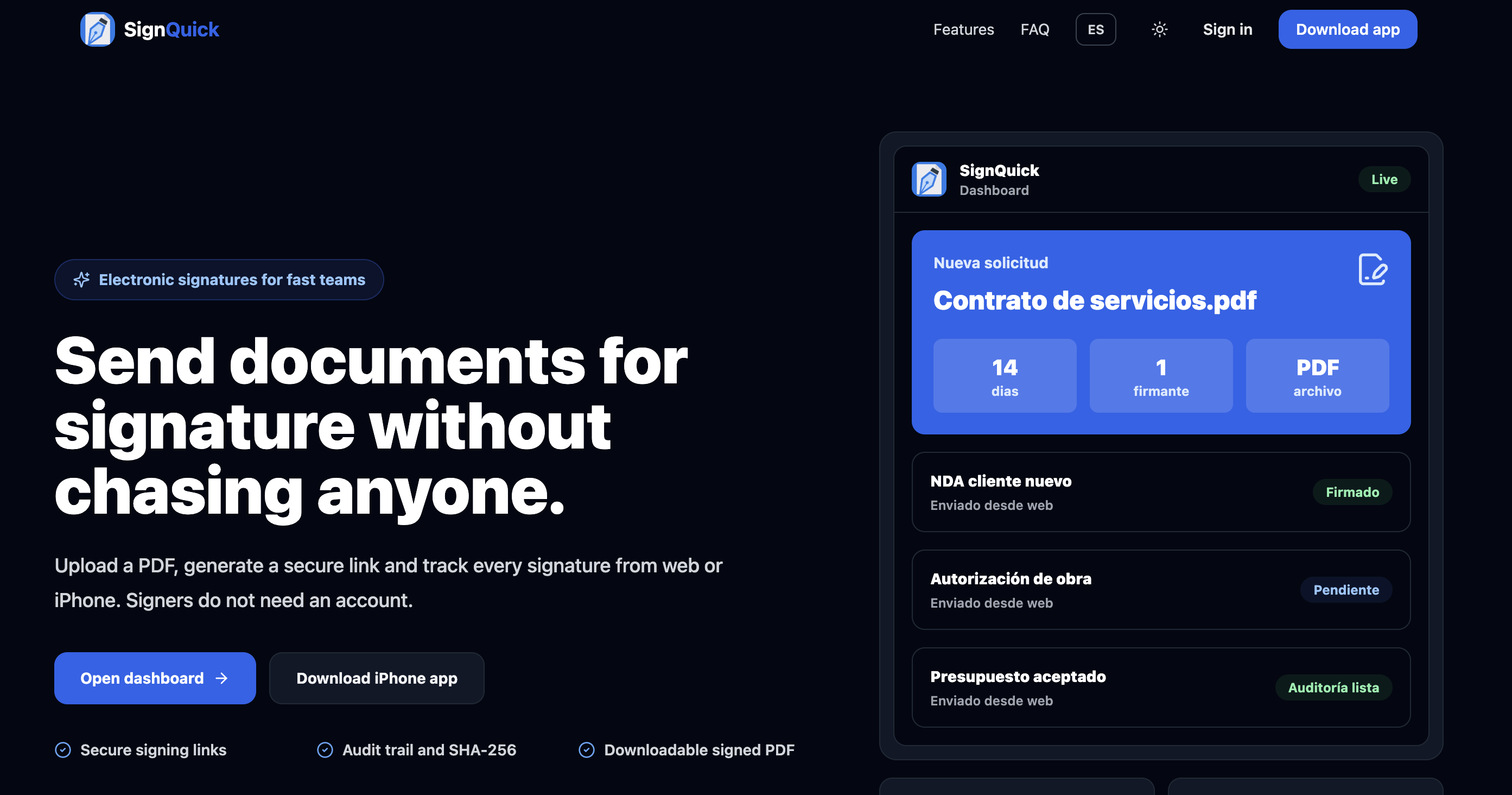
SignQuick is built for the workflow many small businesses actually have: you are out of the office, a client needs to sign, and the document is already in your phone or cloud files. You upload the file, create the request, and send the signing link by email, WhatsApp, or whatever channel you already use with that person.
The signer does not need a SignQuick account. They open the link in the browser, review the document, sign, and accept the electronic signature clause. Once it is done, you get notified and can see when the document was signed.
- Best fit: small business owners, freelancers, agencies, consultants, local services, and teams that do not want to carry a laptop everywhere.
- Standout: mobile-first sending plus signer proof in one simple flow.
- Pricing: $9.99/month or $99/year, unlimited sends, no free plan.
2. DocuSign
Best for enterprise recognition and mature workflows
DocuSign is the default name many people know. That matters in corporate environments, because legal, procurement, and operations teams are often already comfortable with it. It has templates, routing, integrations, identity options, and a deep enterprise feature set.
The tradeoff is weight. For a small business that only wants to send a few simple agreements, DocuSign can feel more expensive and more complex than the problem requires.
References: DocuSign eSignature plans and DocuSign reviews on Trustpilot.
3. Adobe Acrobat Sign
Best if PDFs already live in Acrobat
Adobe Acrobat Sign makes sense when the signing process is part of a broader PDF workflow: edit the PDF, prepare form fields, route it for signature, and keep everything inside the Adobe ecosystem. It is especially natural for teams already paying for Acrobat business plans.
It is less compelling if you only need a lightweight way to send a document from your phone and know when a client signed. In that case, you may be paying for PDF power you do not use.
Reference: Adobe Acrobat Sign for business.
4. PandaDoc
Best for proposals, quotes, and sales documents
PandaDoc is more than an e-signature tool. It is a document sales platform: proposals, pricing tables, templates, content blocks, analytics, approvals, payments, and CRM integrations. That is powerful when a signature is part of a sales process.
If you are just sending a contract or authorization form, PandaDoc can be more system than you need. If your document needs to sell, explain, price, and close, it earns its place.
Reference: PandaDoc pricing.
5. Dropbox Sign
Best for simple cloud-based document signing
Dropbox Sign is a clean, familiar option if you want something straightforward from a company many clients already recognize. The free plan is useful for low-volume signing, and the paid plans add more room for teams.
It is a good middle ground: less intimidating than enterprise agreement software, but not as mobile-first as SignQuick.
References: Dropbox Sign free plan and Dropbox Sign pricing.
6. SignWell
Best for simple signing with unlimited paid documents
SignWell is a solid lightweight signing product. The important detail is that paid plans include unlimited signing requests, which can make the price easier to understand than envelope-based plans.
It is a good choice when you want a simple web tool and do not need a more specialized mobile workflow.
Reference: SignWell pricing.
7. Zoho Sign
Best for teams already using Zoho
Zoho Sign is strongest when it is connected to the rest of Zoho: CRM, Books, Desk, People, and other business apps. If your customer data, invoices, and workflows already live there, signatures become another step in the same system.
Outside Zoho, it is still capable, but the ecosystem advantage is the real reason to choose it.
Reference: Zoho Sign pricing.
8. Yousign
Best for European SMBs
Yousign is a strong option for European businesses that want an eIDAS-oriented provider, EU-friendly positioning, and an interface designed around SMB use cases rather than huge enterprise deployments.
If your buyers are in Europe and ask about eIDAS, GDPR, or EU hosting, Yousign deserves a look.
Reference: Yousign pricing.
9. eSignatures.com
Best for pay-as-you-go sending
eSignatures.com is interesting because the pricing is not subscription-first. You pay per contract, which works well when volume is irregular and you do not want another monthly tool on the books.
The tradeoff is that it is less of a polished everyday workspace than the subscription tools. It is best when the pricing model is the main thing you are optimizing for.
Reference: eSignatures.com pricing.
10. DocuSeal
Best for open source and self-hosted signing
DocuSeal is the most relevant option here if your requirement is control. You can self-host it, inspect the project, and build your own signing infrastructure around it.
That freedom comes with responsibility. If you self-host, backups, uptime, security updates, email delivery, and compliance controls become your job.
References: DocuSeal and DocuSeal pricing.
Which eSignature platform should you choose?
You send contracts from your phone while moving between clients
Pick SignQuick. The whole point is to upload, send, and track signatures without sitting down at a computer.
You already have a formal legal, procurement, or enterprise IT process
Pick DocuSign or Adobe Acrobat Sign. They are heavier, but they are familiar to corporate teams.
Your document is also a sales proposal or payment flow
Pick PandaDoc. It is closer to a proposal platform than a pure e-signature tool.
Your team runs on Zoho already
Pick Zoho Sign. The value is not just signing, but staying inside the Zoho ecosystem.
You need EU-first positioning for clients
Pick Yousign if EU hosting and eIDAS-oriented workflows are part of the buying decision.
You send documents rarely and hate subscriptions
Pick eSignatures.com for pay-as-you-go, or use a limited free plan like Dropbox Sign or SignWell.
You want to control the infrastructure yourself
Pick DocuSeal if you are technical enough to run and maintain a self-hosted signing system.
Are e-signatures legally valid in the US and Europe?
In the United States, the ESIGN Act provides a general rule that electronic signatures and electronic records cannot be rejected just because they are electronic. In the European Union, the eIDAS Regulation sets the legal framework for electronic signatures.
That does not mean every click or pasted image is equally strong. The practical question is evidence: can you show that the signer intended to sign, accepted the terms, signed a specific document, and that the document was not changed afterwards?
For everyday commercial agreements, quotes, authorizations, NDAs, service contracts, and internal approvals, a simple electronic signature workflow with a good audit trail is often enough. Some documents may still require a qualified electronic signature, notarization, paper originals, or legal review.
Legal references: US ESIGN Act overview and European Commission eSignature guidance.
FAQ
What is the best eSignature tool for small businesses?
For a small business that wants to send documents quickly from a phone or browser, SignQuick is the most direct option. If you need sales proposal templates, choose PandaDoc. If you need enterprise approval workflows, choose DocuSign or Adobe Acrobat Sign.
What is the difference between eSign software and a digital signature?
In everyday search language, people use both terms loosely. Technically, an e-signature is the signing action and consent, while a digital signature often refers to certificate-based cryptographic signing. For most small business contracts, the audit trail around the e-signature is what matters.
Do signers need to create an account?
With SignQuick, no. The signer opens a secure link and signs in the browser. Many other tools also let recipients sign without accounts, but the exact experience depends on the provider and how the sender configures the request.
Can I send the same document to multiple people?
Yes. SignQuick was designed around sending files to different users and tracking when each one signs. Other platforms also support multi-signer flows, but some are more complex to configure.
Is a signature from iPhone Markup enough?
It may be fine for informal documents, but it is usually just an image on a file. If you need evidence, use an e-signature tool that records the signing event: timestamp, IP address, consent, and document hash.
Is DocuSign actually the best-reviewed eSignature tool?
It depends which reviews you read. Software-buyer sites like G2 and Capterra rate it well on features. Consumer review sites tell a different story: DocuSign holds a 1.3-out-of-5 TrustScore on Trustpilot across 1,241 reviews, with 76% of them 1-star, dominated by billing, auto-renewal, and cancellation complaints rather than complaints about the signing feature itself.