Quick comparison
| Tool | Free plan | Price |
|---|---|---|
| SignQuick★ #1 | No | From $9.99/mo |
| Adobe Acrobat Sign | No | From ~$13/mo |
| Dropbox Sign | Yes (limited) | Free or from $15/mo |
| PandaDoc | 14-day trial | From $19/mo |
| Zoho Sign | Yes (5 docs/mo) | From ~$10/mo |
| Yousign | Free trial | From ~$27/mo |
| SignWell | Yes (limited) | Free or from $8/mo |
| DocuSeal | Yes | Free (self-hosted) or from $20/mo |
| Documenso | Yes | Free (self-hosted) or cloud plans |
| Jotform Sign | Yes (limited) | Free or from ~$34/mo |
| ShareFile | No | From $10/mo |
| signNow | No | From $8/mo |
Prices are approximate at time of publication. Free plans with monthly limits are marked as "limited".
1. SignQuick
Best overalliOS · Signers install nothing · Full legal audit trail
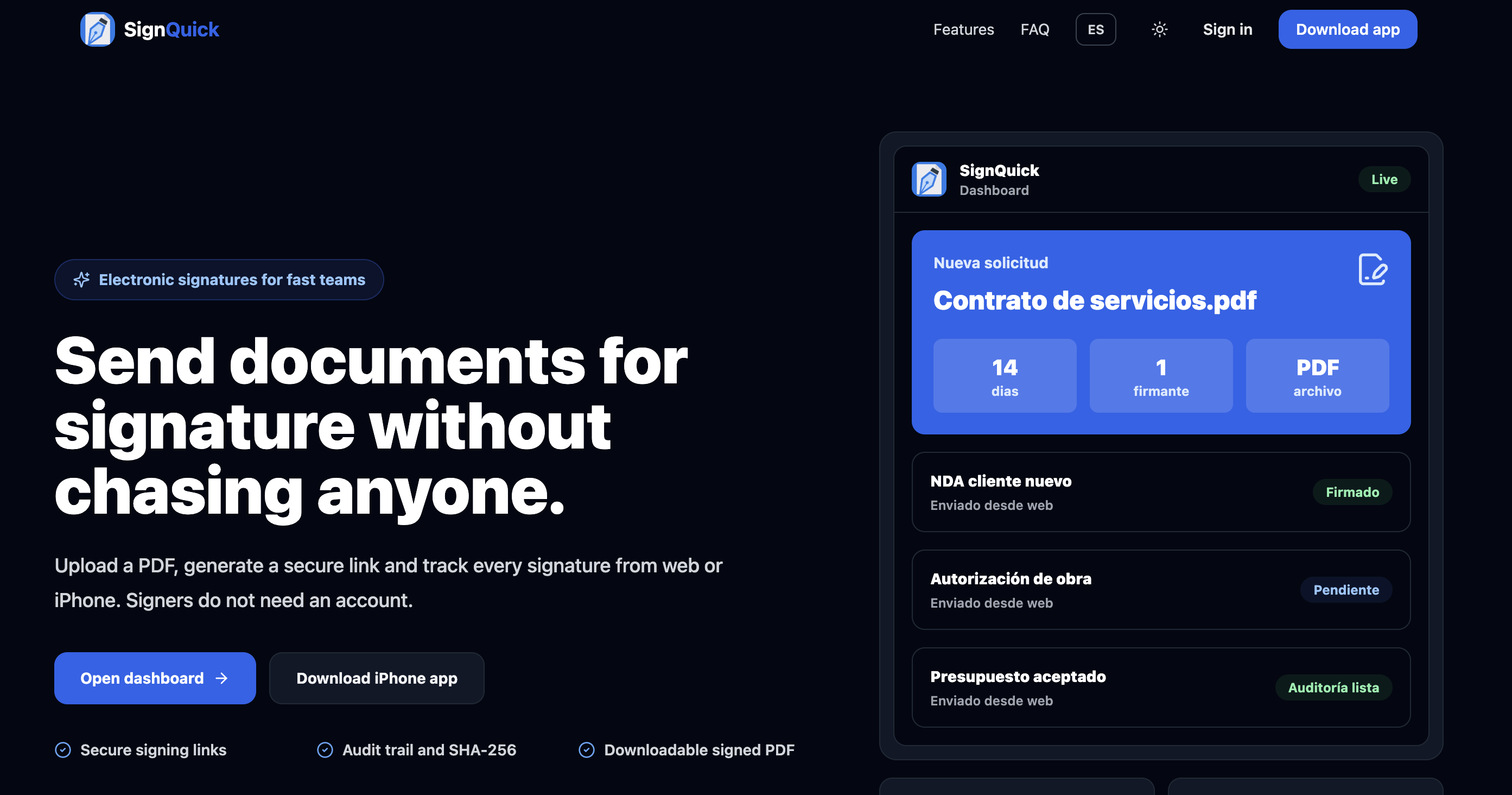
Of all the DocuSign alternatives on this list, SignQuick cuts out the most steps: upload a PDF from your iPhone, send a link to the signer over WhatsApp or email, and that person signs directly in their browser with no install and no account. You get an instant notification once it's signed.
The difference from "sign by hand and send a photo" is what gets recorded afterwards: every signature is stored with an exact timestamp, the signer's IP address, and a SHA-256 hash that certifies the document hasn't been altered since signing. That's what turns a pasted image into verifiable legal evidence.
Standout features
- No account for signers: Open a link and sign from any browser, no downloads or sign-ups.
- Native iPhone app: Create the request, send the link, and track status in real time from your phone.
- Automatic legal audit trail: SHA-256 hash, timestamp, and IP on every signature, with zero setup.
- Instant notifications: You know the moment a client signs, no need to follow up.
- One simple subscription: From $9.99/month, unlimited sends and signatures from your first document.
2. Adobe Acrobat Sign
Adobe/Microsoft ecosystem · Paid plans only · From ~$13/mo
Acrobat Sign is the natural pick if your company already lives inside the Adobe or Microsoft 365 ecosystem. It combines Acrobat's PDF editing with electronic signatures, so you can prepare, edit, and send a document without leaving the same tool.
Its strongest feature is integrations: it connects natively with Microsoft 365, Salesforce, Workday, and ServiceNow, on top of automatic reminders and a step-by-step audit report for every document sent.
- Full PDF editing built into the signing flow (Acrobat Pro)
- Native integrations with Microsoft 365, Salesforce, and Workday
- Automatic reminders and notifications at every step
- Detailed step-by-step audit report per document
- Replace signers or cancel processes in progress
3. Dropbox Sign
Formerly HelloSign · Real free plan · Solid audit trail
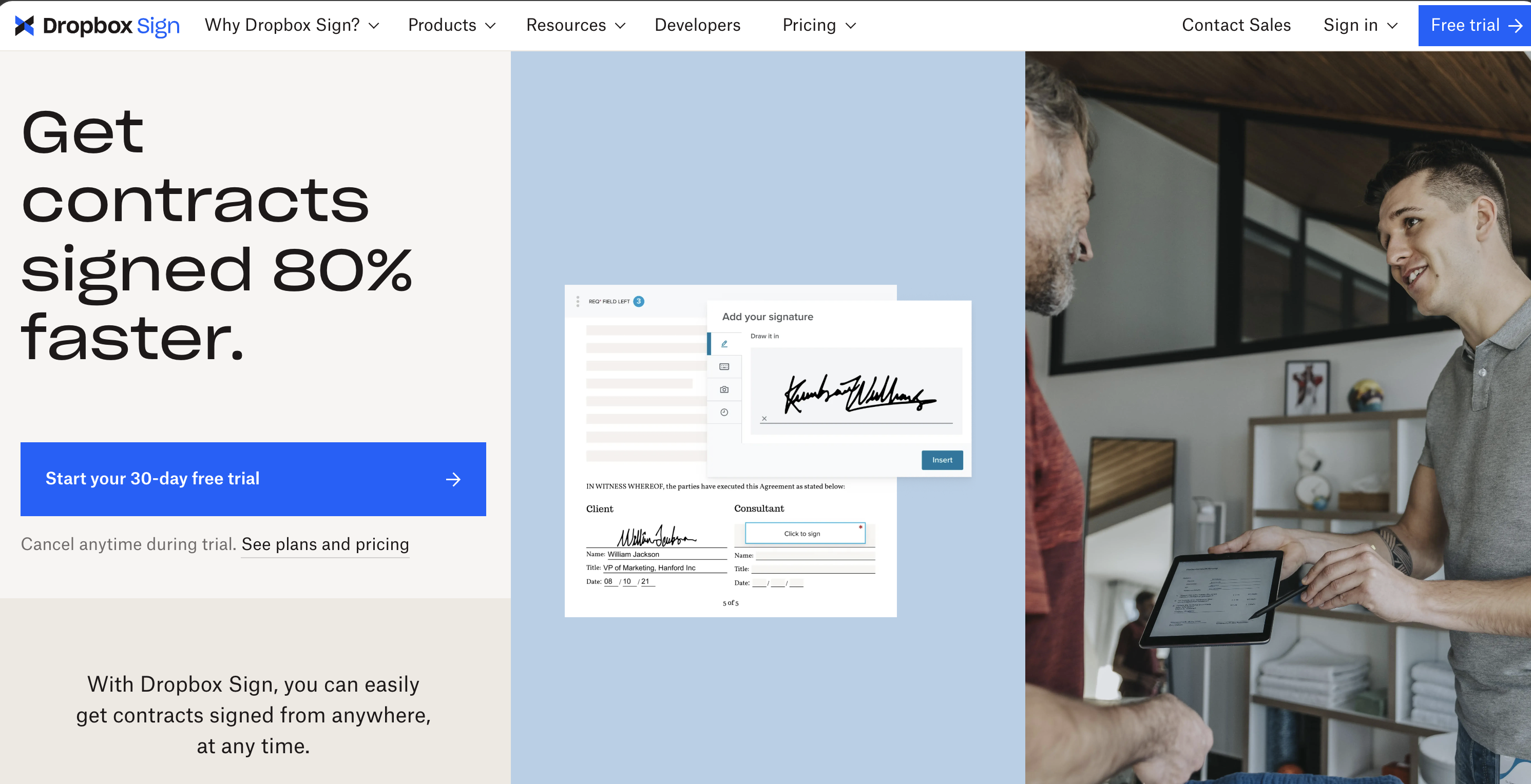
Dropbox acquired HelloSign in 2019 and rebranded it as Dropbox Sign. Its free plan works indefinitely (with a monthly document limit), which sets it apart from "free" plans that are really just 14-day trials.
Beyond sending documents from the platform, it offers an eSignature API so you can embed signing directly into your own website, letting clients sign without leaving your site.
- Free plan that works indefinitely (with a monthly limit)
- Audit trail included from the free plan
- eSignature API to embed signing in your site
- Integrations with Google Drive, Word, and HubSpot
- Functional mobile app on iOS and Android
4. PandaDoc
14-day trial · Built-in payment collection · From $19/mo
PandaDoc goes beyond e-signatures: it's a full document management platform. Its clearest differentiator is payment collection via Stripe and PayPal, so a client can sign and pay a deposit in the same session.
It also stands out for document analytics: you can see how much time a client spent on each page and where they hesitated — useful if you send sales proposals.
- Built-in payment collection with Stripe and PayPal
- Document analytics (reading time per page)
- Over 1,000 ready-to-customize templates
- Integrations with HubSpot, Salesforce, and Zapier
- Full mobile app on iOS and Android
5. Zoho Sign
Free plan: 5 docs/mo · Workflow automation · From ~$10/mo
Zoho Sign is part of the Zoho suite (CRM, invoicing, HR, and more), and its biggest advantage shows up once you're already using other tools in that ecosystem: data flows between apps, and you can build automated workflows to request signatures on a recurring basis — for example, from a supplier every month.
The free plan allows up to 5 documents per month, with status tracking for each one: viewed, modified, or signed.
- Automated workflows for recurring signature requests
- Free plan with up to 5 documents per month
- Full status tracking: viewed, modified, signed
- Native integration with the rest of the Zoho suite
- Compliant with e-signature regulations across several regions
6. Yousign
EU-based · GDPR/eIDAS native · From ~$27/mo
Yousign is a French company built specifically for European teams that need their data to stay within the EU. It's eIDAS-compliant and supports all three levels of electronic signature: simple, advanced, and qualified.
It supports multi-signer workflows with a configurable signing order (the client first, then you, for example), and its interface is available in Spanish and other European languages.
- Data hosted in the EU, native GDPR compliance
- Supports simple, advanced, and qualified signatures (eIDAS)
- Multi-signer workflows with configurable signing order
- Interface available in Spanish and other EU languages
- User and permission management built for teams
7. SignWell
Minimal interface · Limited free plan · From $8/mo
SignWell is built around simplicity: setup takes minutes and the interface doesn't try to be a full document management suite — just a signing tool that works well. The free plan allows a few documents per month with no credit card required.
It includes reusable templates, automatic reminders, and a legally valid audit certificate with every signature, with straightforward pricing and no hidden tiers.
- Very simple interface, set up in minutes
- Free plan with several documents per month, no card required
- Reusable templates and automatic reminders
- Legally valid audit certificate with every signature
- Clear pricing, no hidden tiers
8. DocuSeal
Open source · Self-hostable · Limited free cloud tier
DocuSeal is one of the most commonly recommended open source alternatives for anyone who doesn't want their clients' contracts living on third-party servers. It's released under the AGPLv3 license and can be self-hosted for free on your own infrastructure, with an interface that's surprisingly polished for an open source tool.
For those who don't want to manage servers, it also offers a cloud version with a limited free plan and paid plans starting around $20/mo.
- Open source under the AGPLv3 license
- Self-hostable on your own infrastructure with no license cost
- Limited free cloud plan with a monthly document cap
- API to integrate it into your own workflows
- Polished interface for an open source tool
9. Documenso
Open source · "API-first" · Actively developed
Documenso openly positions itself as the open source alternative to DocuSign, with a public repository and active development. Like DocuSeal, it can be self-hosted for free, but its focus leans more toward developers — it's built to be integrated into your own applications through its API.
Being a younger project, not every advanced DocuSign feature is available yet, but the community prioritizes new features based on user requests.
- Open source project with a public, actively developed repository
- Free to self-host
- "API-first" approach for integrating into your own apps
- Active community that prioritizes features by request
- Transparent alternative with no closed-vendor lock-in
10. Jotform Sign
Built into Jotform forms · Limited free plan · From ~$34/mo
Jotform Sign makes the most sense if you already use Jotform to collect information from clients or employees: signing becomes one more step inside the same form, instead of a separate tool.
It includes ready-to-customize legal document templates and automatic reminders, with a limited free plan and the rest of its features bundled into Jotform's paid plans.
- Integrates directly with Jotform forms
- Ready-to-customize legal document templates
- Limited free plan, included with Jotform accounts
- Automatic notifications and reminders
- Useful for form-based onboarding processes
11. ShareFile
Client portal · Workflow automation · From $10/mo
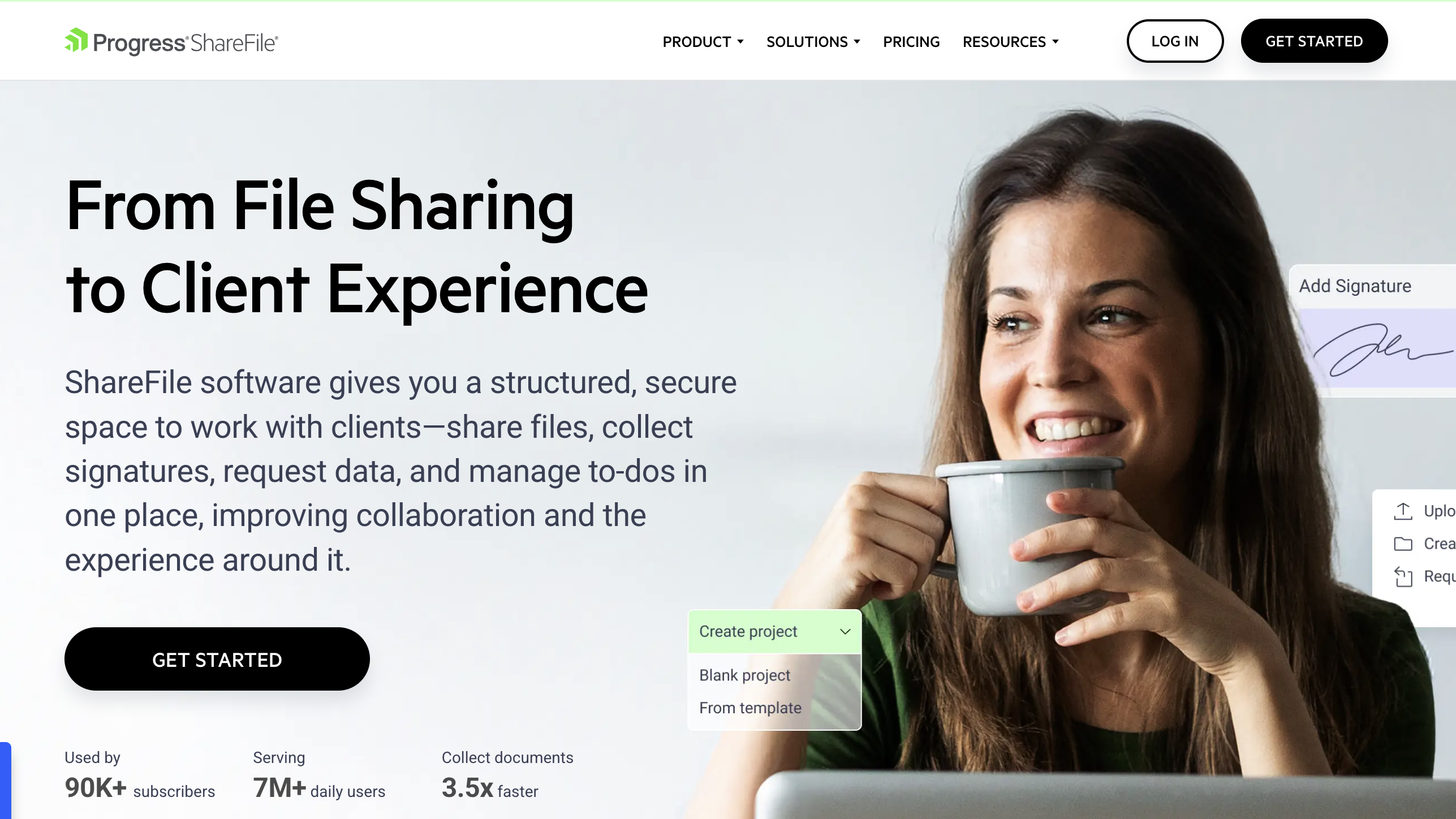
ShareFile (formerly RightSignature) started as an e-signature tool and has grown into a document management platform with a client portal. Its strength is workflow automation: you can set up processes where the next step triggers automatically once the previous one is complete.
For businesses with repetitive client onboarding flows (sign contract → send credentials → first access), ShareFile removes a lot of manual checking. For one-off signing needs, it's overkill.
- Multi-step automated workflows
- Client portal with custom branding
- Multi-party signing with automatic routing
- Send several documents bundled as one package
- High-grade encryption and audit logging
12. signNow
No free plan · Unlimited templates · Bulk sending · From $8/mo
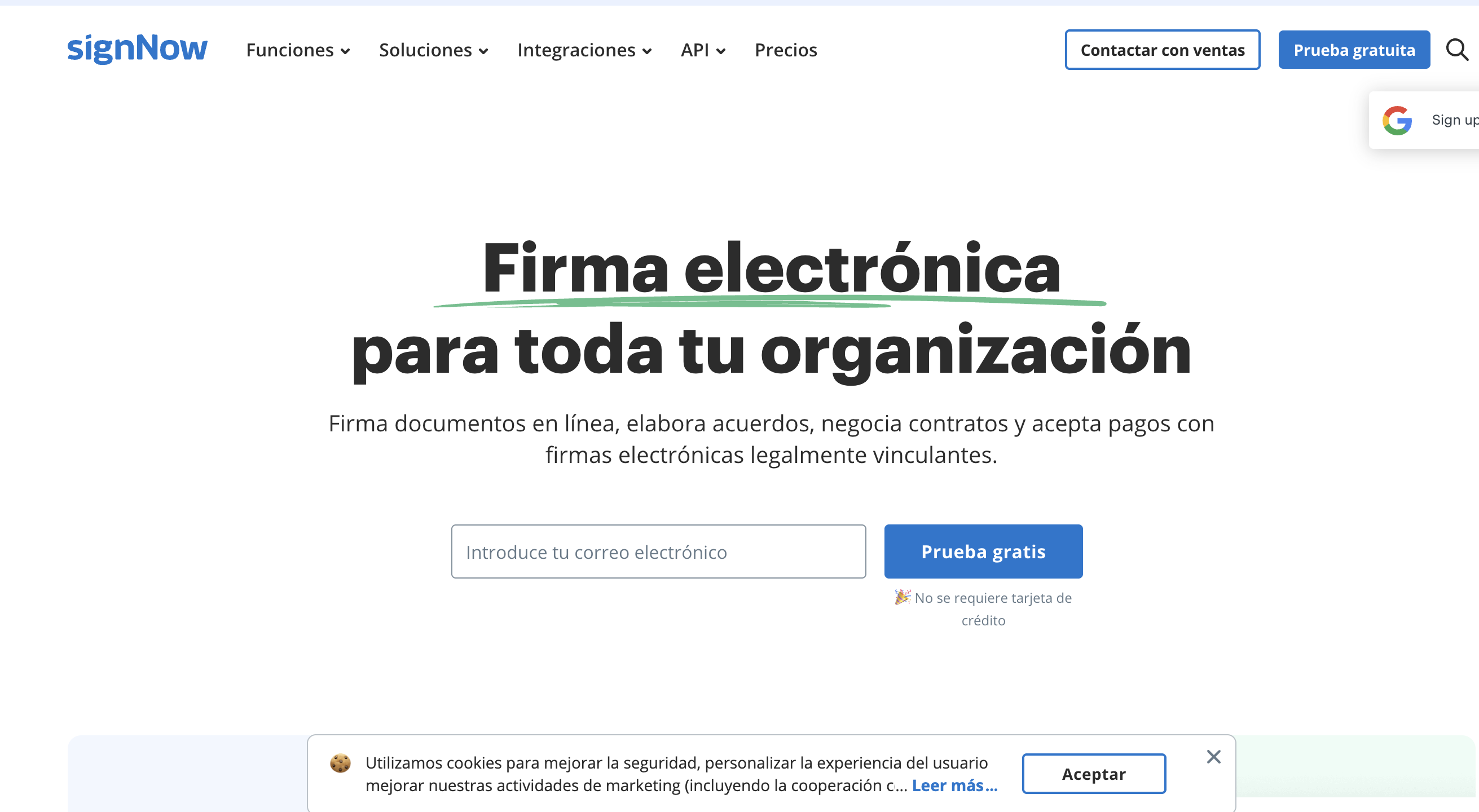
signNow has no free plan, but its entry tier at $8/mo is one of the most competitive when you need unlimited templates and the ability to send the same document to several signers at once. Useful if you work with multiple clients or collaborators simultaneously.
One thing to note: signNow requires two-factor authentication. That adds security, but also an extra step every time you log in.
- Unlimited templates even on the basic plan
- Bulk sending to multiple signers at once
- Direct import of Word (.docx) files
- Full mobile app on iOS and Android
- Lowest entry price on this list ($8/mo)
Which one should you pick?
If you want to sign from your phone without the signer creating an account
SignQuick. You send a link, the signer signs from their browser, and you get the full record.
If you already pay for Adobe or Microsoft 365 licenses
Adobe Acrobat Sign integrates natively into that ecosystem.
If you need to collect a deposit alongside the signature
PandaDoc combines signing and payment collection in one document.
If your company already uses Zoho for CRM or invoicing
Zoho Sign integrates with zero friction and has a limited free plan.
If you need your data hosted in the EU (GDPR/eIDAS)
Yousign is built specifically for that.
If you want something simple and free for occasional use
SignWell or Dropbox Sign, both with a real free plan.
If you have technical skills and want to self-host
DocuSeal or Documenso — both open source and free when self-hosted.
If you handle repetitive client onboarding workflows
ShareFile automates the steps and adds a branded client portal.
If you need to send documents to many signers at once
signNow at $8/mo is the most affordable option for that.
Frequently asked questions
Are these DocuSign alternatives legally valid?
Yes. Within the EU, simple and advanced electronic signatures are legally valid under the eIDAS Regulation (EU 910/2014) as long as there's a record demonstrating intent to sign: timestamp, IP address, document hash, and so on. Every tool on this list, including SignQuick, generates that record automatically.
What's the best free DocuSign alternative?
Among paid tools, SignQuick is one of the most affordable for a mobile-first workflow (from $9.99/month, no free plan). If you need something strictly free, Dropbox Sign and SignWell have free plans with a monthly document limit, and DocuSeal or Documenso are free if you self-host them on your own infrastructure.
Does the signer need to create an account on any of these tools?
With SignQuick, DocuSeal, and SignWell, the signer just opens a link and signs from their browser — no account needed. On other platforms, like Dropbox Sign or PandaDoc, they may be asked to fill in some additional details on the signing form depending on configuration.
What's the main difference between SignQuick and the rest?
SignQuick is built specifically for a mobile-first workflow: you upload the document from your iPhone, send the link, and the signer completes it from their browser with no account, with an automatic legal audit trail. The other options cover broader use cases (document management, payments, automation), but with more setup steps.
Who are the main DocuSign competitors in 2026?
The biggest DocuSign competitors are Adobe Acrobat Sign, Dropbox Sign, PandaDoc, Zoho Sign and Yousign — each covers a different niche, from PDF-heavy workflows to sales proposals to EU-first hosting. SignQuick is the mobile-first competitor for freelancers and small businesses that just need to send and sign, without an enterprise setup.